
Everyday screen habits that hold
The 20-20-20 rule works because it is small. This page builds it into a full day of screens, so the breaks happen without you having to remember them.
Read the plan before the day starts
The advice is dull because it works
Prevention advice for digital eye strain tends to sound the same: take breaks, blink more, fix your lighting. That is because those things do work, and they are also the things people skip. What follows takes the standard guidance and turns it into something that fits an actual workday, study session, or long commute in Indonesia.
Nothing here asks you to buy anything or change your whole setup. The routine is deliberately boring, which is the point. A break you can repeat at three in the afternoon on a bad day is worth more than an elaborate plan you follow for one week.
The rule in three parts
Every
20 minutes
Look away
20 seconds
Focus on
About 20 feet
These three numbers are the whole rule. Everything else on this page is about making them happen on a real Wednesday.
The 20-20-20 rule
Distance change, done often, on a rough sense of time
Every 20 minutes, take a 20-second break and look at something about 20 feet away. Eye-care organizations recommend it because it interrupts both of the main causes of screen strain at once: sustained near focus and reduced blinking. It is easy to remember, which is why the rule turns up everywhere.
The exact numbers matter less than the pattern. A real distance change, done often, at roughly regular intervals. A window, a corridor, the far end of a room, a tree outside the office. Twenty seconds is about three slow breaths, which is a useful way to time it without staring at a clock.
Why it works
The eye's focusing muscle relaxes. The blink reflex gets a chance to reset. Both problems that build up during long screen work get interrupted in the same twenty seconds, which is why one habit covers so much.
Making breaks stick
Nobody remembers. So attach the break to something that already happens
The rule fails in practice for one reason only: people forget it. The fix is not discipline. It is to hook the break onto an event you cannot avoid, so the trigger does the remembering for you.
End of a call
Look out the window before you open the next thing
20 seconds
End of a page
Stand up while you look at the far wall
One posture break
End of a song
Blink fully a few times and refocus far away
Three to five blinks
Using a timer
Set it once and leave it running all day
No manual reset
If you reset a timer by hand every twenty minutes, you are watching the clock instead of working, and the habit dies within a week. For readers working from home in Indonesia, the natural break points are also a good chance to stand up, which handles the posture side at the same time. Two habits, one interruption. Glare and distance problems often show up in the same afternoon, so a break that addresses both is worth more than either one alone.
Blinking
The habit nobody thinks about
Blinking is automatic, which is exactly why it drops during screen work. You cannot fully control it, but you can notice it. A deliberate full blink every so often, especially when reading long passages, restores the tear film and eases the burning and dryness covered on this site.
If you wear contact lenses, this matters more, not less. Lenses sit on a surface that is already losing moisture, and a partial blink that never fully closes does not spread tears across them. A simple trigger: whenever you reach the end of a paragraph or a page, blink fully a few times before you go on.
Note the difference between a quick reflexive blink and a full one. Most screen-work blinking is the shallow kind, top lid only, and it does not coat the whole eye. Making the blink unhurried for a second or two is the part that helps. Burning and watery eyes are the two most common signs that this habit has slipped, and they tend to show up together by late afternoon.
Lighting and glare
Match the screen to the room
Comfort depends on how the screen relates to the room around it. Glare from a window behind your desk, a glossy screen surface, or an overhead light that reflects on the monitor all force your eyes to work harder for the same text.
Practical adjustments are unglamorous but effective. Turn the screen so windows sit to the side rather than behind it. Angle the monitor slightly downward if overhead lights reflect on it. Match screen brightness to the room instead of leaving it at maximum.
Window
Keep it to the side
A window behind the monitor forces contrast between bright wall and darker screen. A window behind you puts glare directly on the glass. Side light is the calmest arrangement.
Brightness
Follow the room
Dark room, dim screen. Bright room, brighter screen. A screen far brighter than its surroundings is one of the easiest causes of eye fatigue to remove.
Overhead light
Tilt it away
If you can see the ceiling light reflected on the monitor from where you sit, the screen is angled too far up. A slight downward tilt removes the reflection.
Glossy surfaces
Move the reflection
A glossy screen mirroring a lamp is worse than the lamp itself. Shift the seat, the lamp, or the screen by a few centimetres until the reflection lands off the text.
Screen position
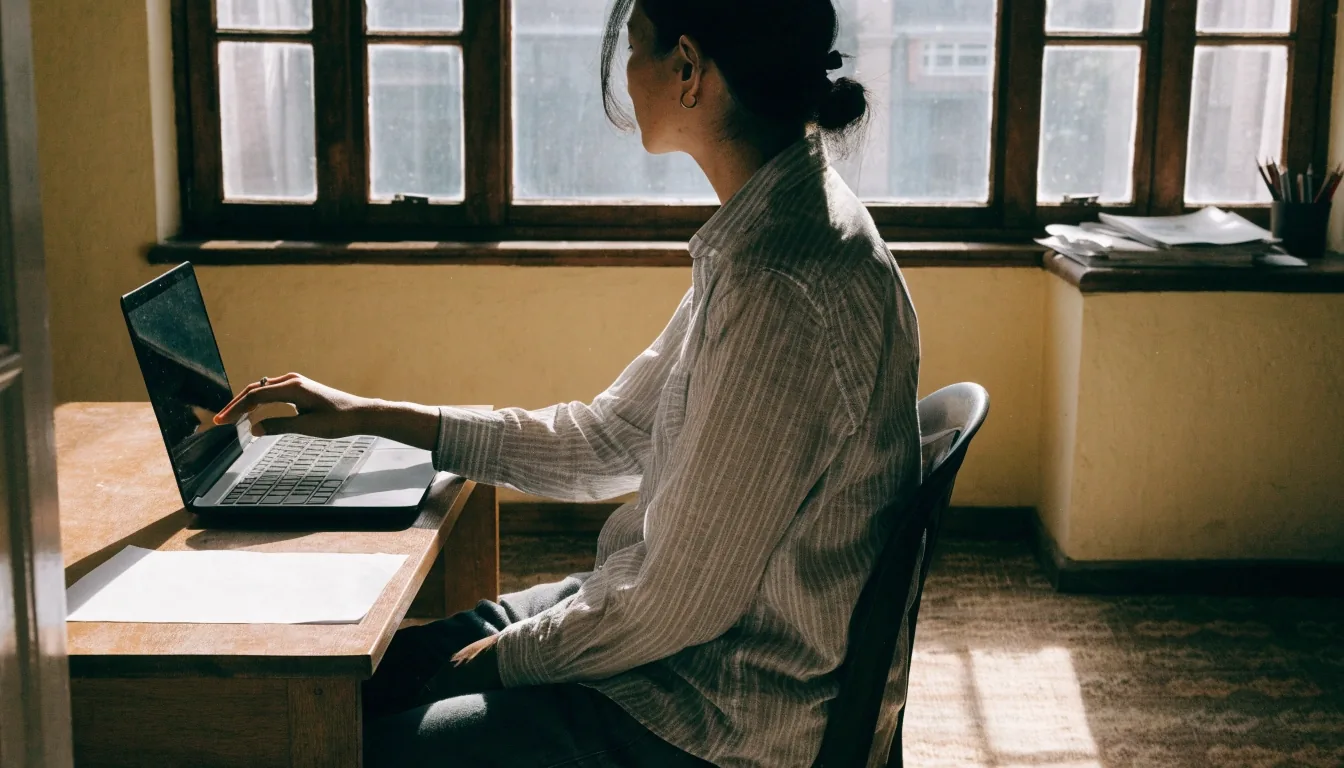
Slightly below eye level, about an arm away
Position affects eye strain and posture, which is why it appears here and on the posture page. The top of the monitor should sit roughly at or a little below eye level, at about an arm's length. That is lower than many people set it, and the reason is exposure: a screen mounted high makes you look up, which exposes more of the eye surface and dries it faster.
A laptop without a stand is the hardest case, since the screen and keyboard compete for the same position. Raising the laptop and adding an external keyboard solves it. If you use two screens, keep them at the same distance and height so your eyes are not refocusing between them all day. At roughly an arm's length, a 20-foot look is a snap, which is why the two ideas work well together.
Phones count too
The screen that moves with you
Phone use complicates the standard advice because the screen travels with you. Holding a phone close to the face replicates near work at the worst possible distance, and scrolling sessions tend to run longer and with fewer interruptions than monitor sessions.
Reading long text
Hold the phone further out than feels natural, roughly where a book would sit, rather than pulling it close to your face.
After a few articles
Look up and focus on something distant before starting the next one. Same twenty-second pattern, phone-sized gaps.
Before sleep
Avoid reading in a dark room. If you do, drop the brightness as far as the text stays comfortable and keep the phone further away.
Long videos
Treat a two-hour video on a phone as a screen session, not as rest. It is the same near focus and the same reduced blinking.
The 20-20-20 pattern applies to phones exactly as it does to monitors. The difference is that a phone makes it easier to forget, because the session has no natural end. Setting a small trigger such as finishing an article or a video does the same job a meeting end does at work.
A sample day
One version of a working day
An example, not a prescription. Adjust the timing to your own day. What matters is that the breaks have a place to land.
Morning
Check posture and screen height before you start. Sit square to the desk, top of the screen a little below eye level, arm's length away.
Work
A distance break every 20 minutes, a standing break every hour. The timer runs the whole block; you do not touch it.
Afternoon
When burning or dryness shows up, take a lubrication break and re-check glare. This is usually the hour the light changes and the screen stops matching the room.
Evening
Dim the screen to match the room. Skip long close-range phone reading in the dark, or hold the phone further out if you do read.
Late
If you are still reading on a phone, hold it further away than usual and look up periodically. Nothing here is complicated; the challenge is consistency, and that is what the triggers are for.
Worth less than it looks
Habits that get more attention than they deserve
It is worth naming the things that get more attention than they deserve. Blue light filter modes change colour temperature and do not address blinking, focus, or posture. Special eye exercise routines sold online have little support compared with ordinary distance breaks.
Working through discomfort because you are almost done is the habit that produces the evening headache in the first place. If you change only one thing, make it the break schedule. It has the clearest link to the symptoms, and it costs nothing to try for a week.
Common questions
Before you try the routine
Straight answers to the questions that come up most often when readers set up a break schedule for the first time.
Does the 20-20-20 rule have to be exact?
No. The pattern matters more than the numbers. What helps is a real change of distance, done often, at roughly regular intervals. Twenty seconds is easy to remember and easy to time with three slow breaths, but a slightly longer break at slightly shorter intervals does the same job.
What do I look at if there is no window?
Distance is what matters, not scenery. The far wall of the room, a corridor, the end of a long office, or a ceiling corner all work. If your desk faces a wall at close range, turn your chair during the break rather than staring at the same near surface.
Should I use eye drops with this routine?
Lubricating drops can help when your eyes feel dry and gritty, and some readers keep them beside the desk for afternoon sessions. They do not replace breaks, and they are not a fix for a positioning or glare problem. If dryness is constant, or it does not improve, that is a reason to speak with an eye-care professional.
Do gaming sessions count as screen time too?
Yes, and often more than desk work, because sessions are longer and breaks are easier to skip. Use the same pattern: after each round or match, look at something far away before starting the next one, and tilt the screen so overhead light does not reflect on it. The habits help whether you are working or playing.
Where to go next
Start with the breaks, then read the symptoms
The break schedule is the part with the clearest link to how your eyes feel at the end of the day. If you want to understand what you are trying to avoid, the symptom pages cover each sign in more detail, including the ones that point to a professional visit rather than a habit change.
You can also read what asthenopia means in clinical language, or send a question about your own routine if you are not sure how to fit breaks into a shift that does not have them.