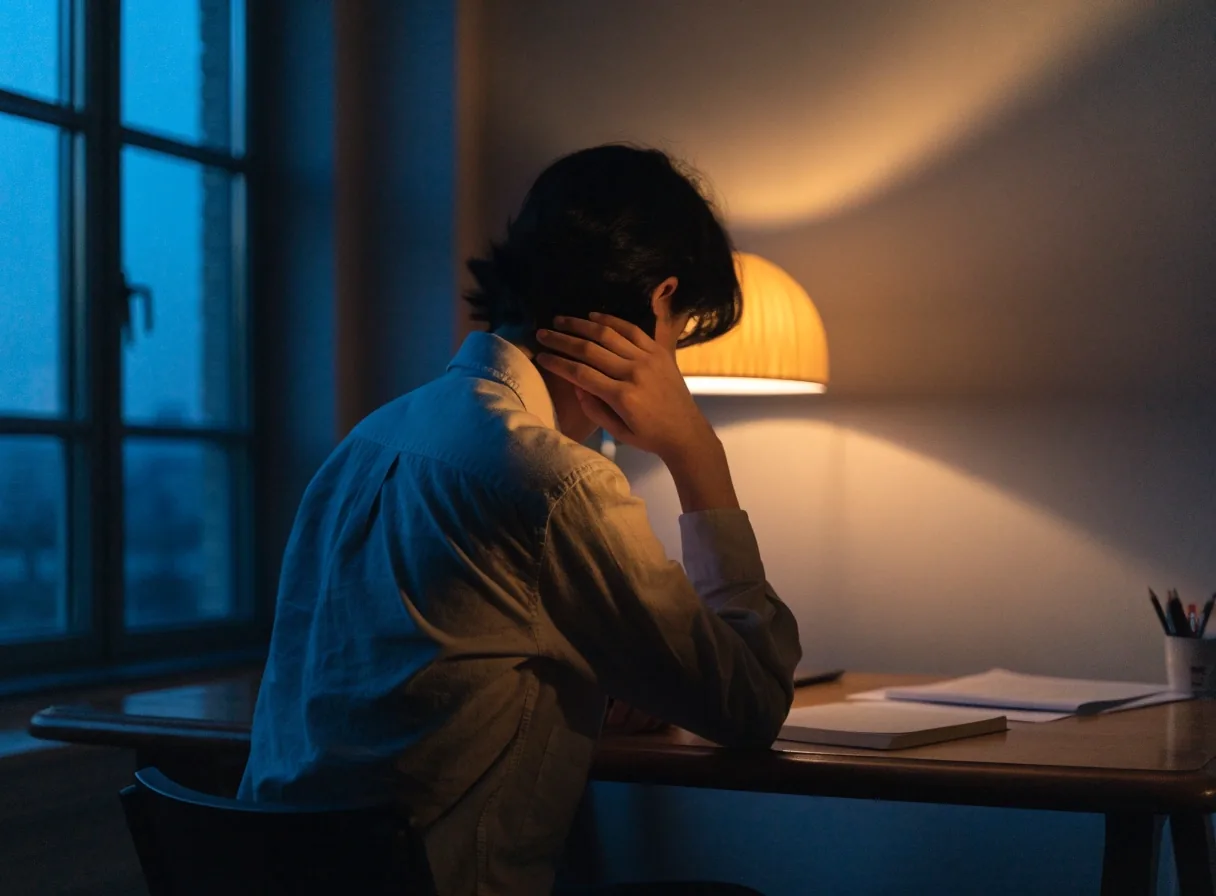
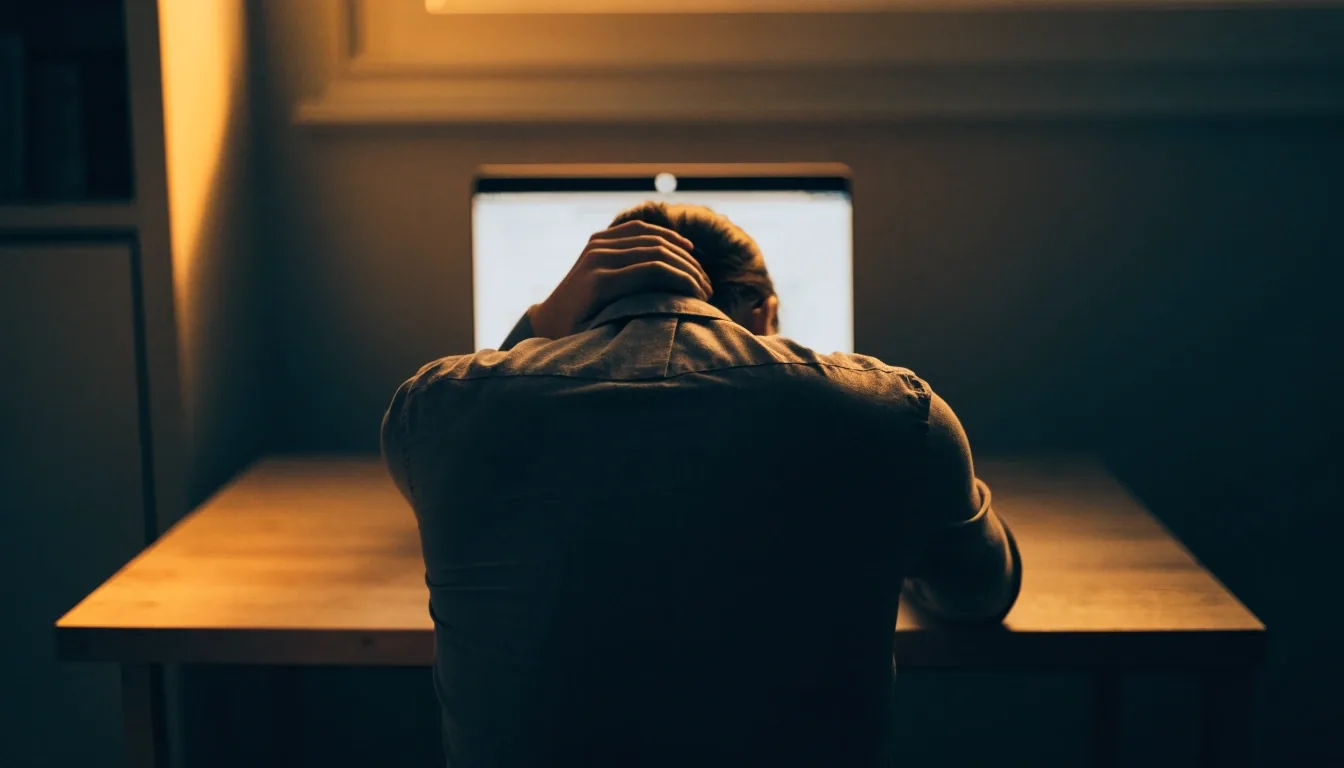
A person at a desk in warm evening light, shoulders pulled forward, hand resting at the back of the neck after long screen work
Headaches Neck Shoulders Upper back

Strain That Reaches Past Your Eyes

Headaches, neck pain, shoulder tension and lower back discomfort sit in the same group as digital eye strain, and they often start from the same desk.

Start here if you are not sure what you are feeling

Read the symptom overview 7 pages

Educational reading only. Nothing on this page is a diagnosis or a substitute for care from a clinician.

Why the eyes and the neck complain together

One Setup, Two Loads

Not all screen-related strain stays in the eyes. Headaches, neck pain, shoulder tension, and lower back discomfort are commonly grouped with digital eye strain because they share causes with it. The monitor decides both: where it sits decides where your head goes, and where your head goes decides which muscles work all day while your eyes hold a fixed near distance.

If the monitor sits too low, you tip your head forward to look down at it, and that forward position loads the muscles at the back of the neck. If it sits too high, you tip the chin up, which strains a different set of muscles. Either way, you hold that position for hours. Medical guidance groups neck pain with shoulder and back pain in screen-related strain because the pattern is consistent, not coincidental.

The practical reading is simple: fixing the screen position usually improves the eye side and the body side at once, because both are answering the same geometry.

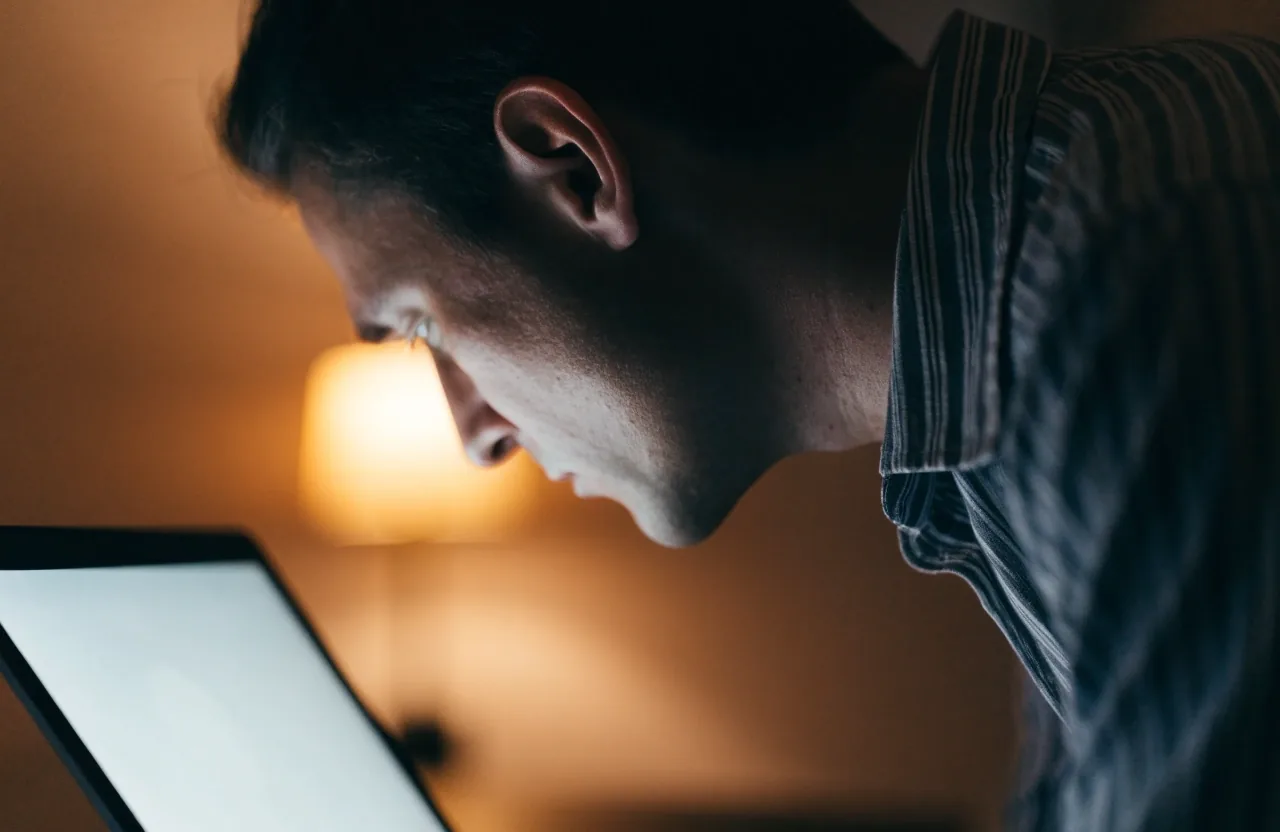
Side view of a person tipping the head forward toward a bright laptop screen
Forward head posture: the head drifts ahead of the shoulders to meet the screen

Where It Shows Up on a Screen Day

Three complaints, three different mechanisms. Reading them side by side makes it easier to tell which one your desk is producing — and which ones belong to a clinician instead of a habit change.

Headaches: behind the eyes, temples, and forehead

Typical pattern

Screen-related headaches usually sit behind the eyes, at the temples, or across the forehead. They build through the day rather than arriving suddenly, and they ease with breaks more often than they ease with painkillers alone.

The most common drivers are sustained near focus without distance breaks, glare on the screen, and a monitor brightness that is mismatched to the room around it. A bright panel in a dim room, or a dim panel under a hard window, both do the same thing to a tired visual system.

If a headache does not respond to breaks, hydration, or a change of position, that is a reason to get a medical opinion rather than another desk adjustment.

Builds over the day

Neck pain and forward head posture

What is happening

Forward head posture is the term for holding the head ahead of the shoulders rather than centered over them. It is what happens when the screen pulls you toward it, and it is very common among laptop users without an external monitor or a stand.

Shoulder tension and upper back discomfort

What follows the neck

Shoulder tension usually follows the neck. When the head is forward, the shoulders tend to roll forward too and the upper back rounds. Arms reaching for a keyboard from a reclined position make it worse.

If you also get burning, watering, or blurred vision, those patterns have their own pages — they are related but they do not respond to exactly the same adjustments.

Setting Up Your Screen So Your Body Can Relax

A few physical adjustments address most of the posture side of screen strain. Work through them once, then use them as a checklist rather than a project.

Screen height

Top of the monitor at or slightly below eye level

If the top edge sits above eye level you will tilt the chin up without noticing, and the ache settles at the base of the skull by late afternoon.

Chin level

Viewing distance

About an arm's length, directly in front

A screen pushed off to one side makes you hold a twisted neck position for the whole session, which produces a one-sided ache.

One arm

Laptop users

Raise the laptop on a stand, add a separate keyboard

This lets the head sit over the shoulders instead of leaning down toward the built-in keyboard. It is one of the few adjustments with an immediate effect.

Stand plus keyboard

Chair and arms

Feet flat, elbows near a right angle, keyboard close in

If your setup forces your arms to reach, move the chair in rather than leaning forward. Small distances matter here.

Roughly 90°

Glare

Remove glare sources or move the desk away from the window

A window directly behind the screen forces the eyes to work against a bright field, and it usually pushes you into a lean as well.

Window behind you

These are working conditions, not medical treatment. They tend to show results within days when the setup was the cause, and they change very little when it was not — which is itself useful information.

The one-minute routine

The 20-20-20 rule covers your eyes. This one covers the rest.

Shoulders

Roll back

Head

Settle over spine

Distance

Check the drift

Every screen break is an opportunity: roll the shoulders back, let the head settle over the spine, and check whether you have drifted toward the monitor since the last break. Standing up once an hour for even a short stretch resets the muscles that have been holding one position. Drivers using mounted screens can do the same thing at stops.

A desk setup with a laptop raised on a stand and a separate keyboard, chair pushed in, lit from a warm window

Posture checks built into your day

Make It a Check, Not a Fix

The most practical approach is to make posture a recurring check rather than a one-time repair. Desk setups drift. A stand gets moved, a chair gets borrowed, and within a week the head is back in front of the shoulders.

Attach the posture check to the eye break you already take. One minute, same habit, both problems. If you have not built the eye-break habit yet, the guide below walks through the timing in detail.

When headaches or neck pain need attention

Some Patterns Are Not Yours to Adjust

Most screen-related headaches and neck discomfort ease with breaks and setup changes. Some patterns do not, and should not be managed with habit tweaks.

Seek medical advice if headaches are severe, sudden, or come with vision changes, nausea, or confusion. Neck pain that radiates into the arm, comes with numbness or weakness, or follows an injury needs prompt attention. If discomfort persists after you have addressed the setup and reduced session length, that is a sign the cause may not be your desk.

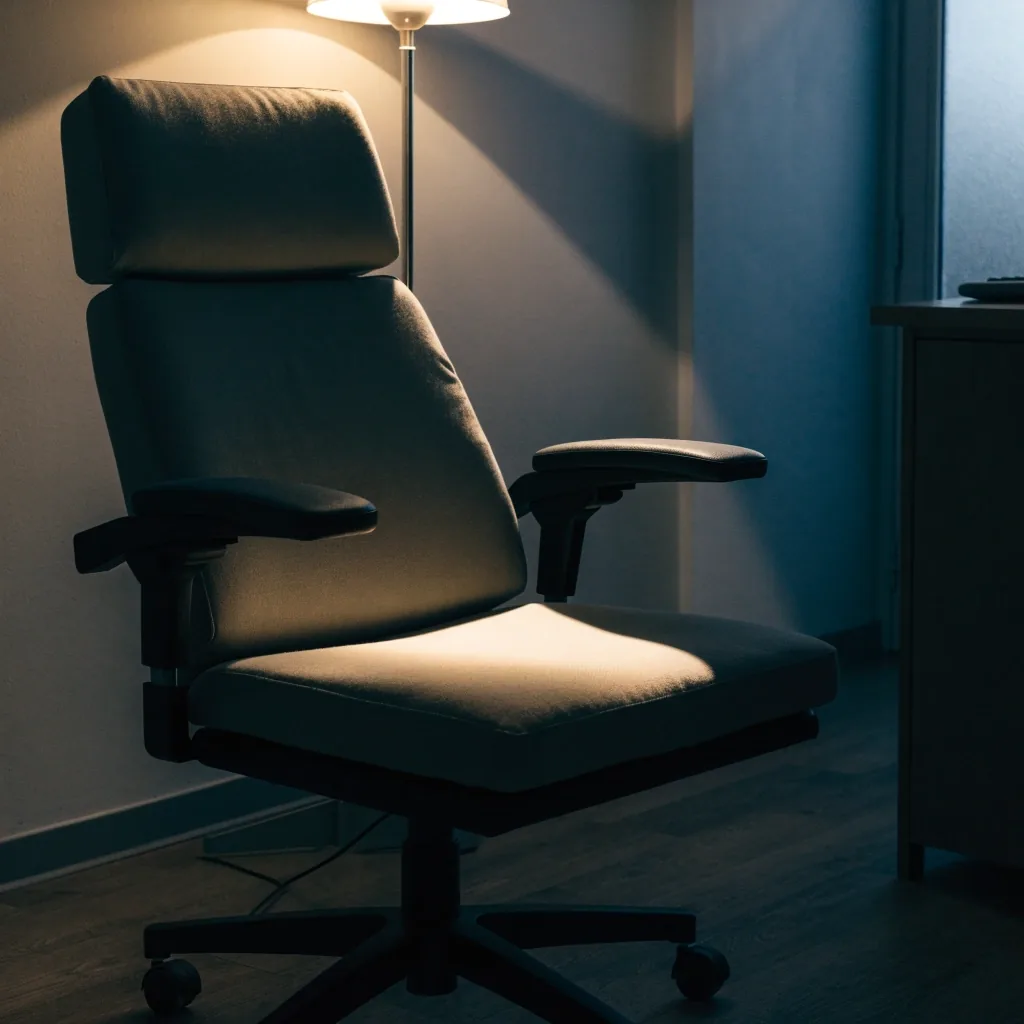
A quiet clinical room with an empty chair beside a lit examination lamp
A pattern that does not respond to breaks is a reason to seek care, not another adjustment

Persistent or worsening symptoms

Contact the editorial team

We answer questions about the material on this site. We do not diagnose, and we will say so plainly.

Questions Readers Send Us

The four that come up most about headaches, neck and shoulder pain from screen work.

Why do my neck and eyes get tired at the same time?
They share one cause: a fixed near distance and a head position held for hours. The monitor's height decides where your head goes, and your eyes hold the same short focus while you read. Fixing the screen position usually improves both, which is why the two complaints travel together.
Should I raise my laptop or lower my chair?
Raise the laptop. A built-in keyboard forces your hands down low, so the screen ends up below eye level and the head tilts down to meet it. A stand plus a separate keyboard lets the head sit over the shoulders, and it is the adjustment people usually notice fastest.
Are screen headaches the same as migraine?
Often not. Screen-related headaches tend to build gradually through a long session and ease with distance breaks. A headache that is severe or sudden, or that arrives with vision changes, nausea, or confusion, is a different situation and belongs with a clinician rather than a desk adjustment.
How long before a setup change makes a difference?
If position was the problem, most people notice a change within days, not months. If nothing improves after the setup is right and sessions are shorter, that points away from the desk and toward a cause worth having looked at.

Where to go next

Read the Rest of the Pattern

Head and neck pain is one part of the picture. Screen strain also shows up as burning and watering, as blurred vision and difficulty focusing, and as a set of everyday habits you can change without buying anything.

If you are still working out which of these applies to you, the symptom overview walks through each one in order and points to the right page.

An empty desk at dusk with a single lamp on and a mug and folded glasses left on the surface
The end of a screen day — the posture you keep at the desk is the one your neck remembers

Future Sight Guide publishes plain-language explanations of digital eye strain for readers in Indonesia. Written and reviewed by our editorial team at Jl. Jenderal Sudirman No. 52, Jakarta 12190. Questions and corrections are welcome Monday to Friday, 9:00 AM – 6:00 PM.